Help
Adding words to your dictionary
Select the text you want to read (to listen to etc.) either in the All materials section or in the Shelf section.
All words in the text are sorted in descending order of frequency. To see word forms, hover over the frequency number.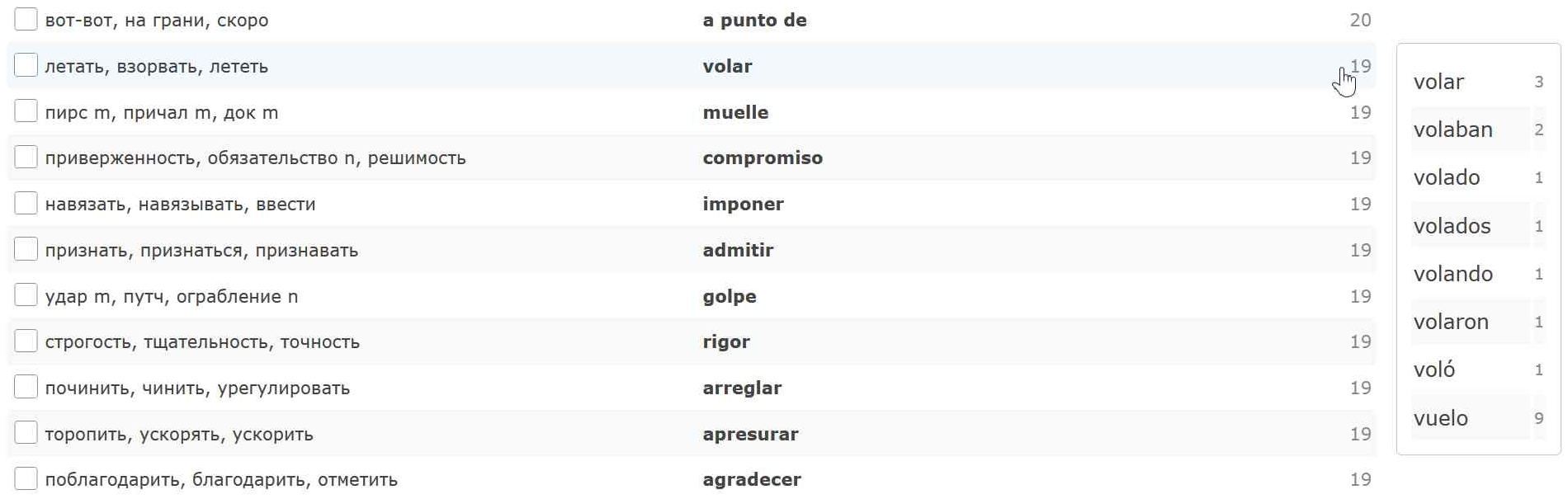
Update your dictionary:
- Select the unfamiliar words you want to learn. Click "Add for studying" button.
- Then select the remaining words and click "Add as familiar" button.
- Load the next group of words and repeat the previous steps.
Each processed word will appear in your dictionary and will be taken into account when processing future texts.
Adding texts
You can upload your own text (subtitles etc.) in the Shelf section.
All added text will also be saved here.
Working with your dictionary
In the Dictionary section, you can change the translation of a word and make other changes to your personal dictionary.
To open the editing window, click on a word.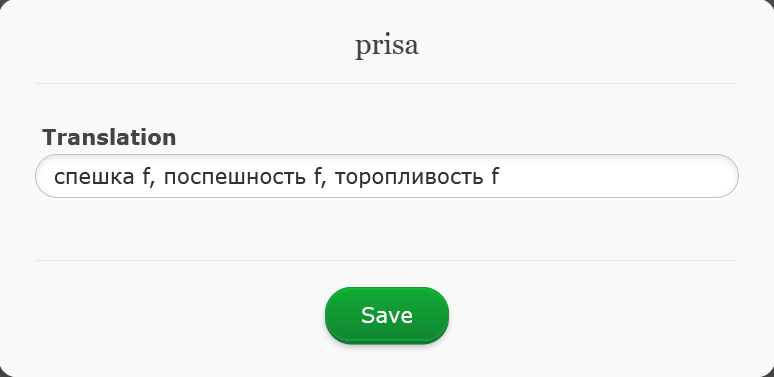
After each change, the service calculates the "Comfort" indicator (the percentage of text comprehension based on all the words in your vocabulary).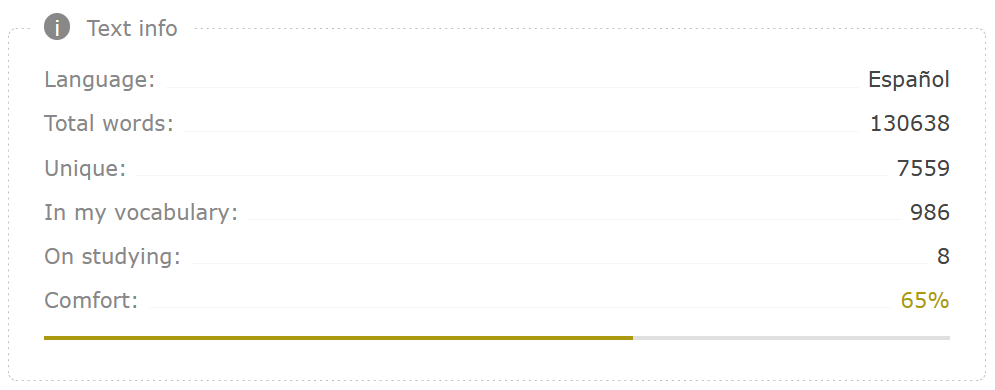
We recommend starting to read the text when the "Comfort" parameter value exceeds 50%.
Training
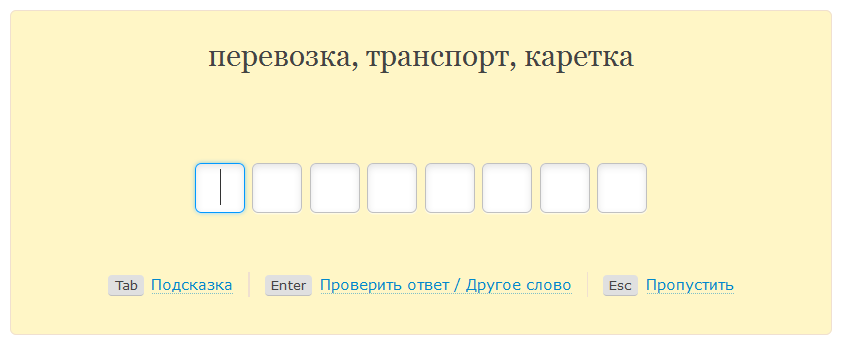
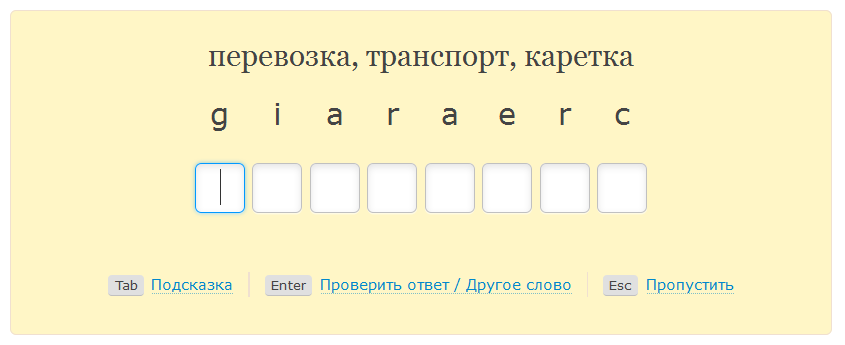
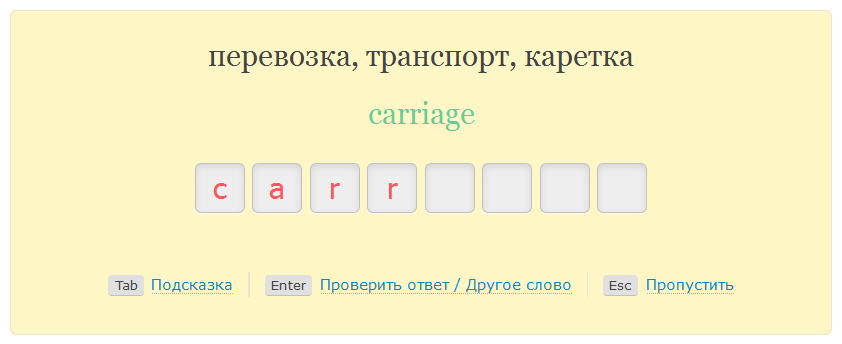
You can learn your entire personal dictionary, as well as specific texts. Click "Writing" or "Listening" in the corresponding section.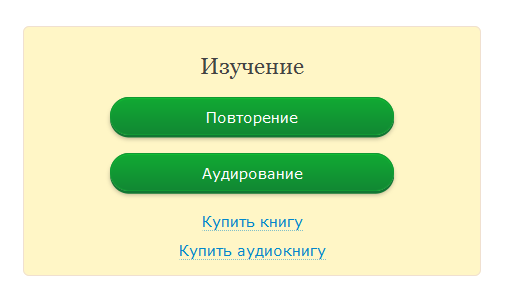
Feel free to use hints during your training.